How Cloudflare CDN Makes Your Images Load in Under 200ms
PicGlobe Team
WEBXO TECH LTD · August 2026
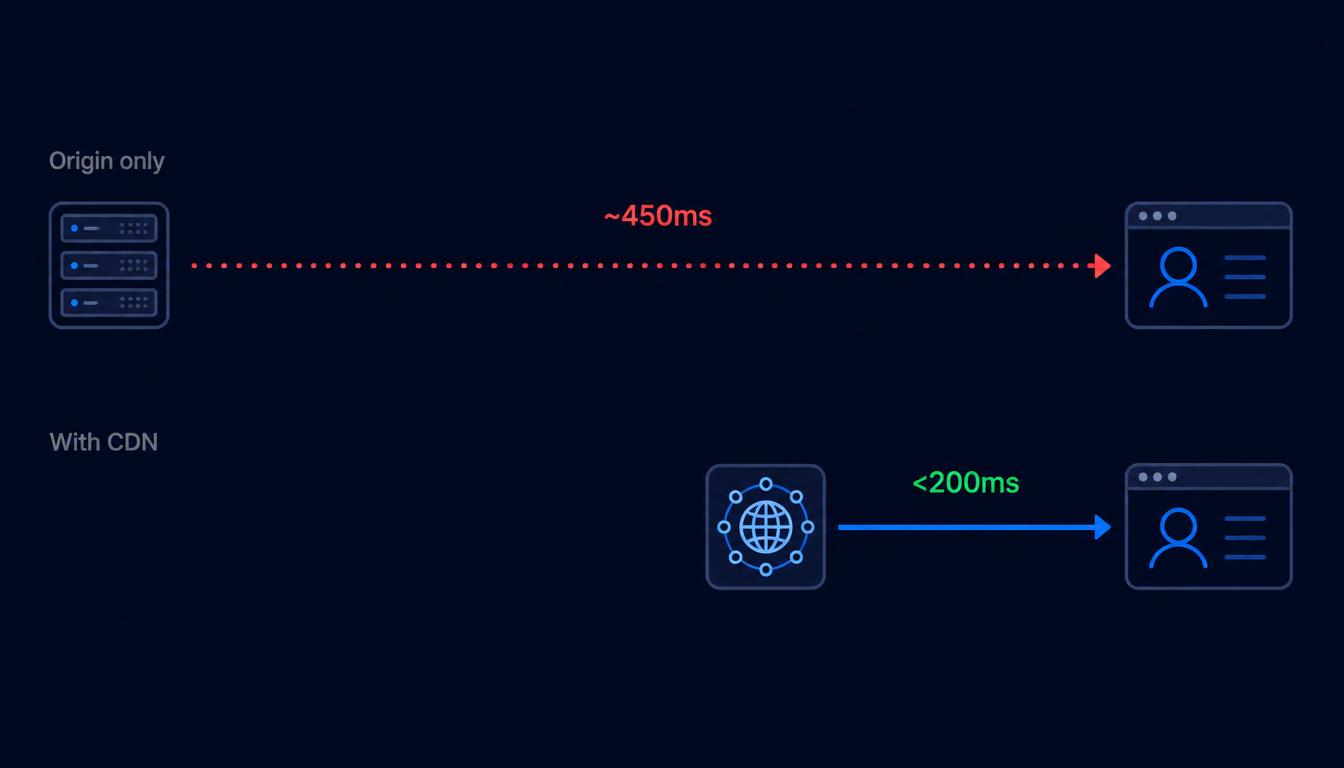
An image served from a single origin server can take 300-600ms to reach a visitor on the other side of the world; a CDN edge node close to that visitor typically delivers the same image in under 200ms. That gap is the entire reason CDN delivery exists, and it's included on every PicGlobe upload by default.
Why distance is the real bottleneck
Data physically can't travel faster than light through fiber optic cable, and real-world networking adds further delay on top of that theoretical limit. A server in London responding to a request from Sydney has to cover roughly 17,000 km round-trip — that distance alone accounts for a meaningful chunk of load time, regardless of how fast the server itself processes the request.
How edge delivery closes that gap
Instead of every request traveling to one origin server, a CDN caches a copy of the image at edge nodes spread across many countries. A visitor's request gets routed to whichever node is geographically closest, cutting the physical distance — and therefore the delay — dramatically. PicGlobe's CDN covers 120+ countries, so most visitors worldwide are loading from a nearby node rather than a single distant origin.
What "under 200ms" actually means for visitors
200ms sits right around the threshold where a delay stops being consciously noticeable to most people — above it, a page can start to feel sluggish; below it, images feel like they're just "there." For a page with several images, that difference compounds: several images each taking an extra 300-400ms adds up to a page that visibly lags behind one where each image loads near-instantly.
Where this matters most
- E-commerce product pages — every extra second of load time is directly linked to higher bounce and lower conversion.
- International audiences — a site serving visitors across multiple continents benefits the most from edge distribution, since origin-only hosting penalizes distant visitors specifically.
- Image-heavy pages — galleries, portfolios, and blog posts with multiple images compound any per-image delay.
You don't need to configure anything
CDN delivery on PicGlobe is automatic for every upload — there's no separate CDN setup, no configuration step, and no additional cost on top of the free plan. Upload an image, get a Direct URL, and that URL is already being served from the nearest edge node to whoever opens it.
Frequently asked questions
Do I need to configure anything to get CDN delivery?
No — every image uploaded to PicGlobe is served through the CDN automatically, with no separate setup required.
How many countries does the CDN cover?
120+ countries, which covers the vast majority of a typical global audience with a nearby edge node.
Every image gets CDN delivery automatically
Free, 120+ countries covered, no configuration needed.
Upload Your First Image