Is It Safe to Upload Images Online? Privacy & Security Explained
PicGlobe Team
WEBXO TECH LTD · August 2026
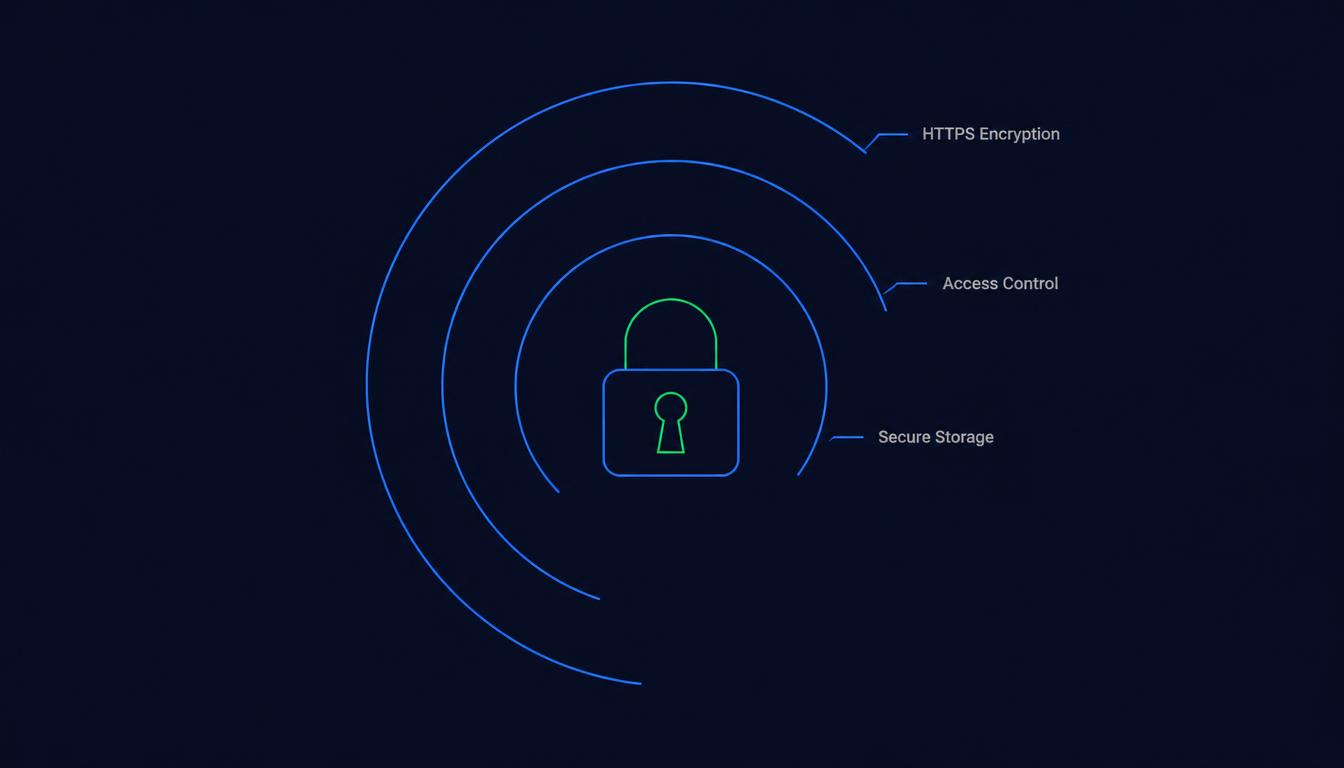
An image upload is as safe as its transport encryption, storage security, and link visibility — and it's worth understanding what each of those actually protects, because "safe" doesn't automatically mean "private." A public link, even one that's hard to guess, is still viewable by anyone who has it.
The three layers that make an upload secure
| Layer | What it protects |
|---|---|
| HTTPS encryption | Data in transit — nobody can intercept the image while it's uploading or loading. |
| Access control | Who can delete, modify, or manage the image after upload. |
| Secure storage | The image at rest on the server, protected from unauthorized backend access. |
PicGlobe serves every page and image over HTTPS with modern security headers enforced (strict transport security, content security policy, and clickjacking protection), so the connection itself is protected end to end.
What a free account means for privacy
Your uploads are tied to your account, which lets you manage them. But there is no login-gated access control on the image itself: anyone with the Direct URL can open it, so the link is what you need to protect. This is how direct links work on most image hosts, not just PicGlobe.
What a public link does and doesn't hide
An image link generated from a random string is unlisted, not private — it won't show up in a search or a public gallery, but anyone who has the exact URL can view it, the same way an unlisted YouTube video works. If a link gets shared further than you intended, the image becomes accessible to whoever received it. This is a general property of link-based sharing, true across virtually every image host.
Practical steps for sensitive images
- Set a short expiry (1 Hour to 1 Month) for anything you don't want accessible long-term — this limits the exposure window automatically.
- Don't post the link publicly if you want to control exactly who sees the image — share it only through the specific channel intended.
- Delete the image once it's no longer needed, rather than relying on it simply becoming hard to find over time.
Frequently asked questions
Is an unlisted image link the same as a private one?
Not quite — unlisted means it won't appear in search or public listings, but anyone with the exact link can still view it. True privacy requires authentication, which link-based sharing doesn't provide.
Does PicGlobe encrypt images during upload?
Yes — all uploads and page loads happen over HTTPS with modern security headers enforced.
Upload with encryption and expiry control built in
Free, HTTPS by default, your choice on how long a link stays live.
Upload Your First Image